
Image to PDF: JPG to PDF icon
🛠️ Tools

Image to PDF: JPG to PDF

Convert your photos to PDF documents instantly

⭐ 4.5 Rating
📥 1K+ Downloads
Download on Google Play

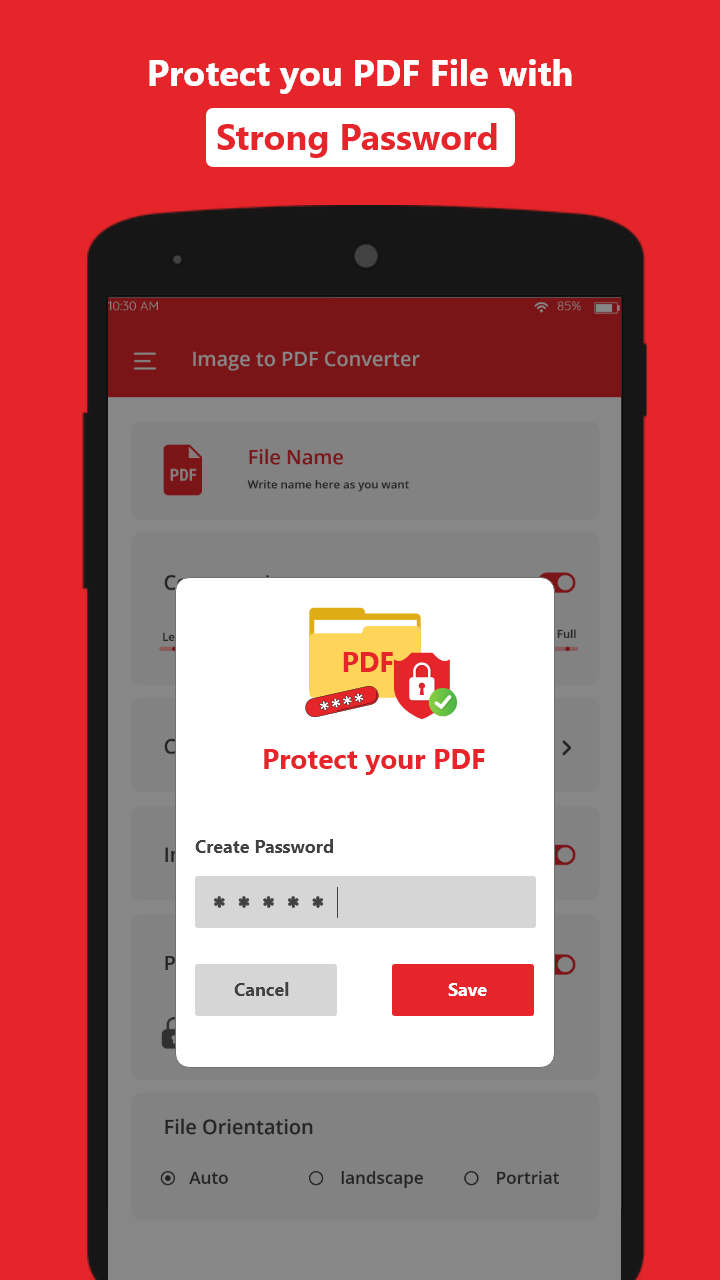
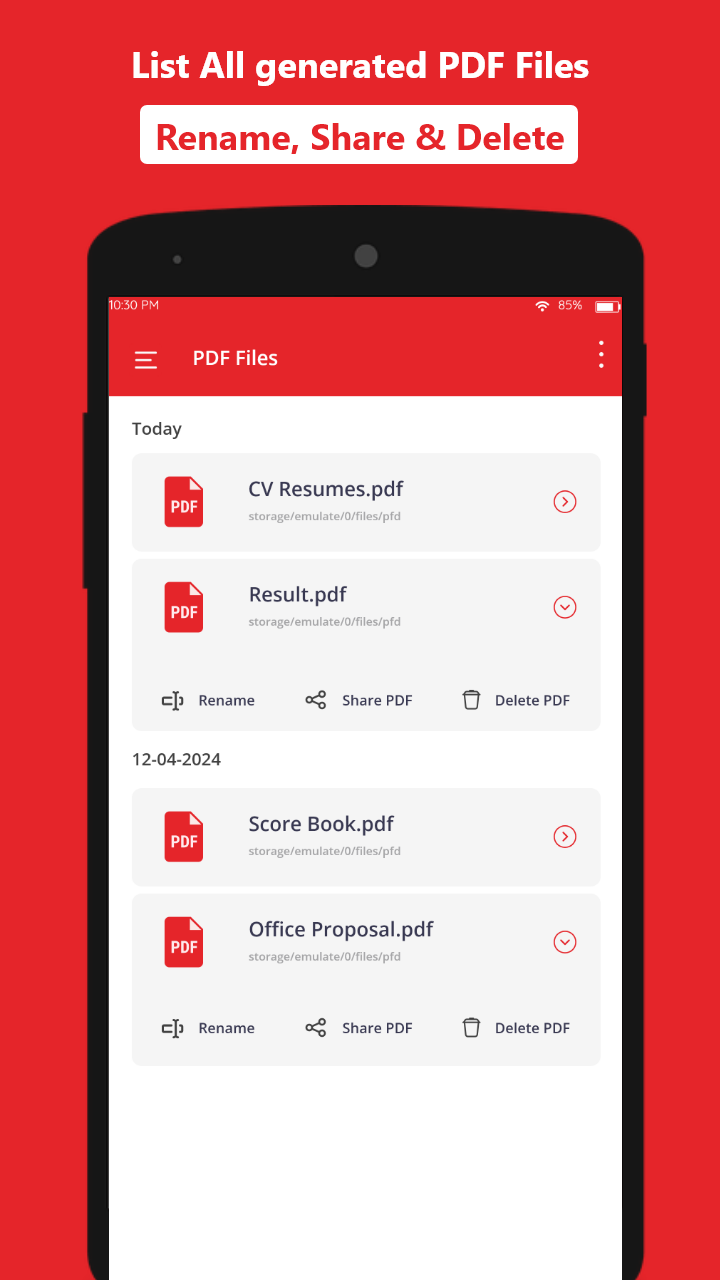
What Does It Look Like?

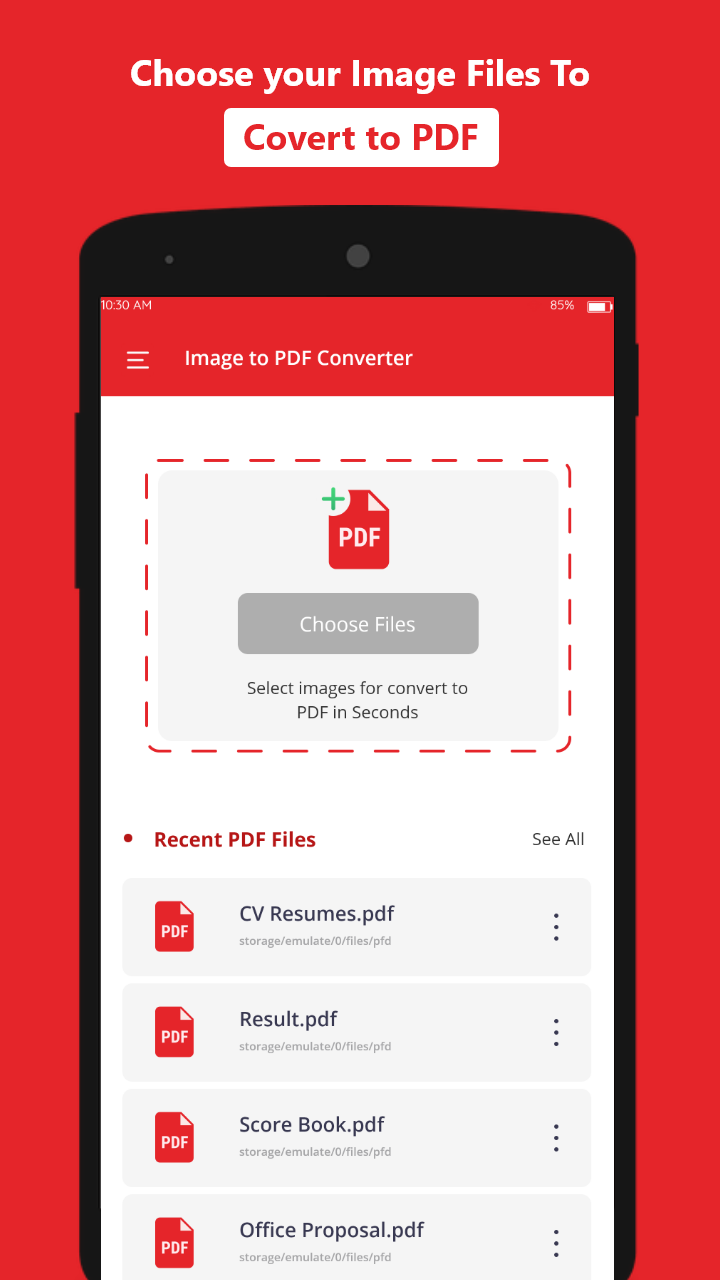
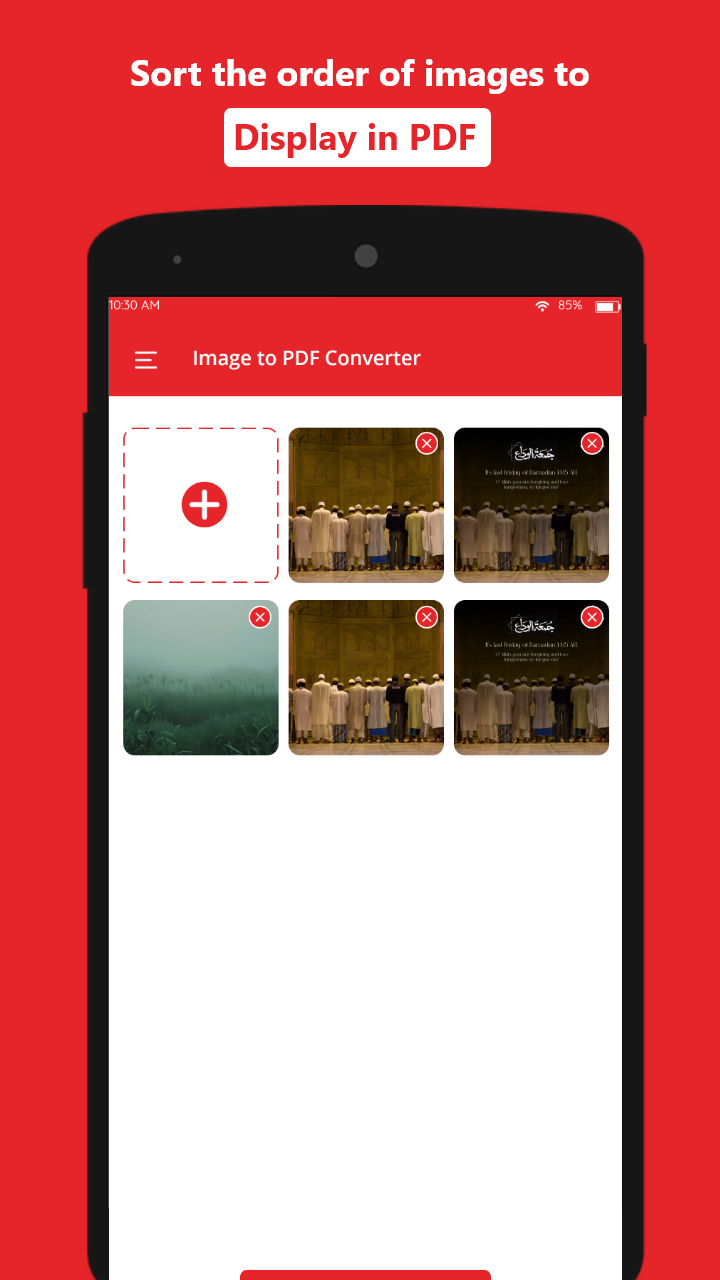
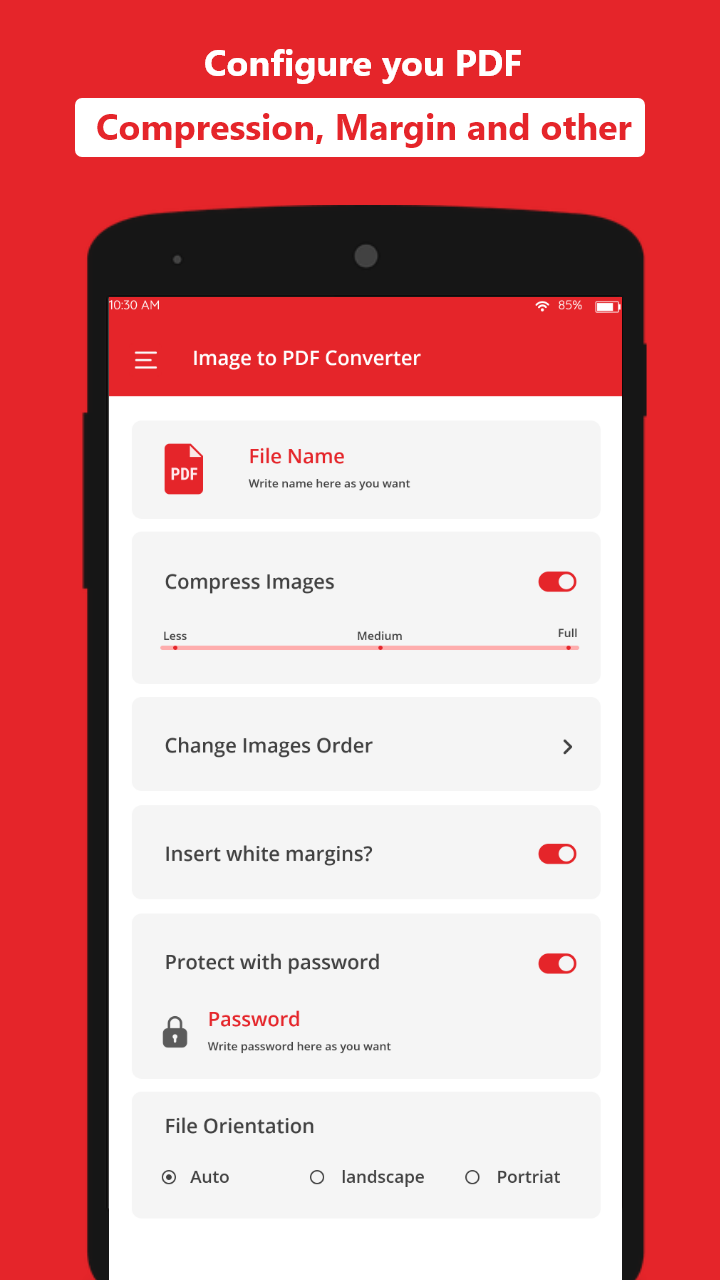
How Does It Work?

Image to PDF converts your photos and images into professional PDF documents. Perfect for scanning documents, creating photo albums, and sharing images. Fast, easy, and secure conversion.

How Do You Convert Images to PDF?

  • Photo to PDF conversion
  • Batch processing
  • Secure conversion
  • Share via email

Frequently Asked Questions

How do I turn photos into a PDF on my Android phone?

The quickest way is to open a photo-to-PDF app, pick images from your gallery, arrange them in order, and tap export. Image to PDF: JPG to PDF converts JPG and PNG files into a single shareable PDF you can print, email, or save — no computer needed.

What is the easiest way to convert images to PDF on Android?

People often ask voice assistants how to make a PDF from phone photos. Image to PDF: JPG to PDF handles it in a few taps. convert your photos to PDF documents instantly Install it from Google Play, select your images, and save or share the finished document.

Is my data secure?

Yes, Image to PDF uses secure conversion with no data stored on servers. All conversions happen locally on your device.

Ready to try Image to PDF: JPG to PDF?

Download now from Google Play Store

Download on Google Play