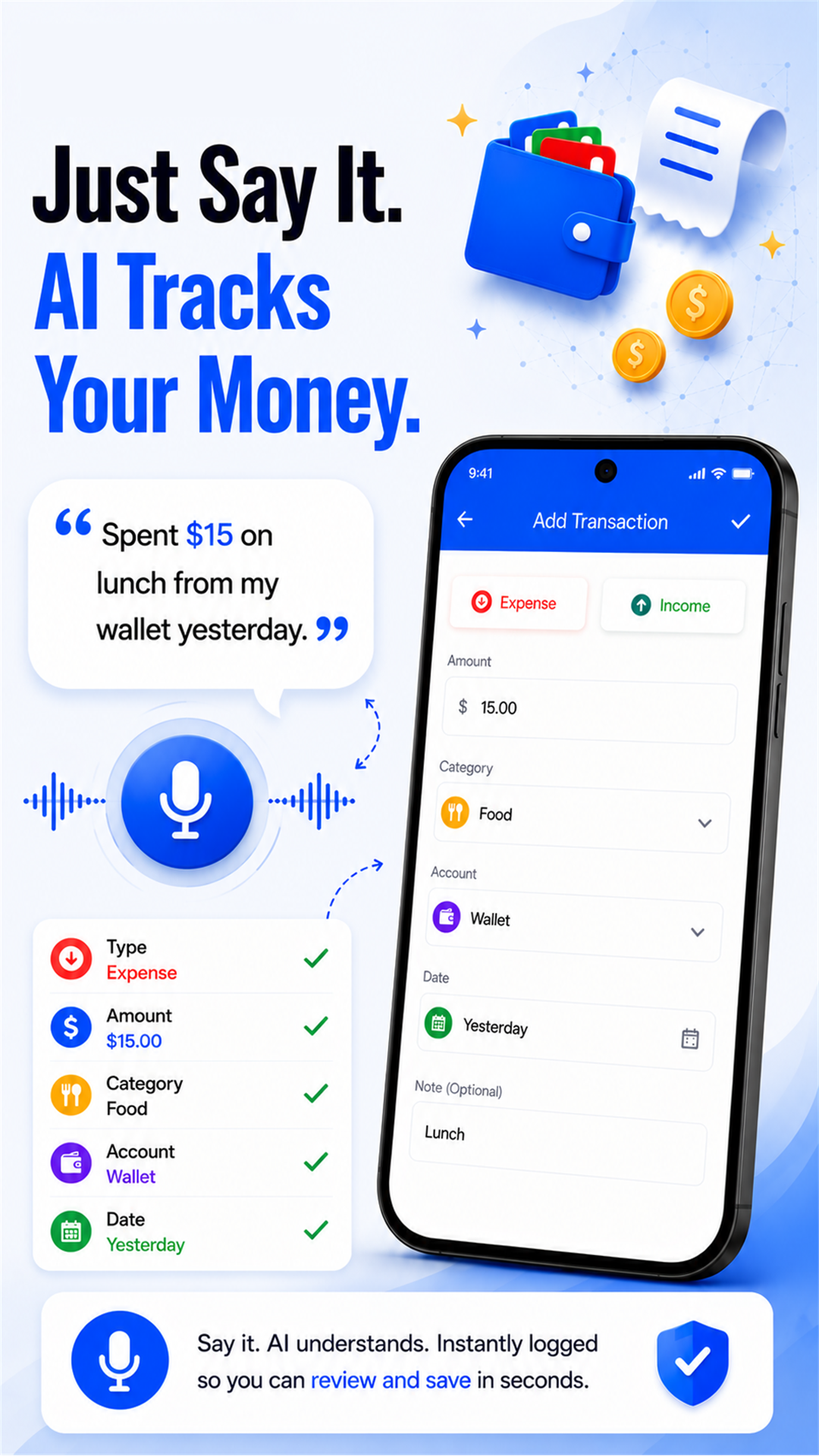
What Does It Look Like?
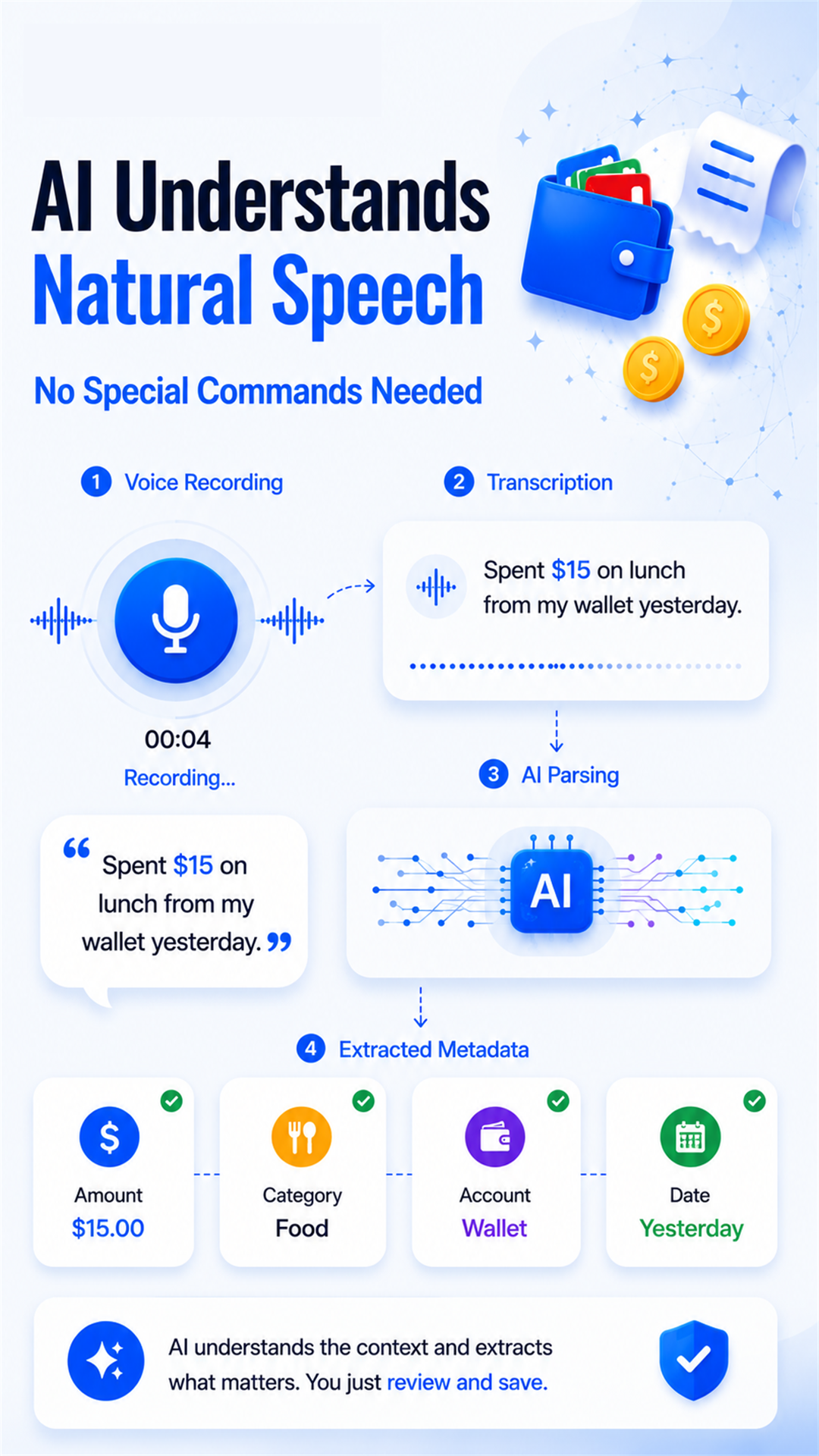
How Does It Work?
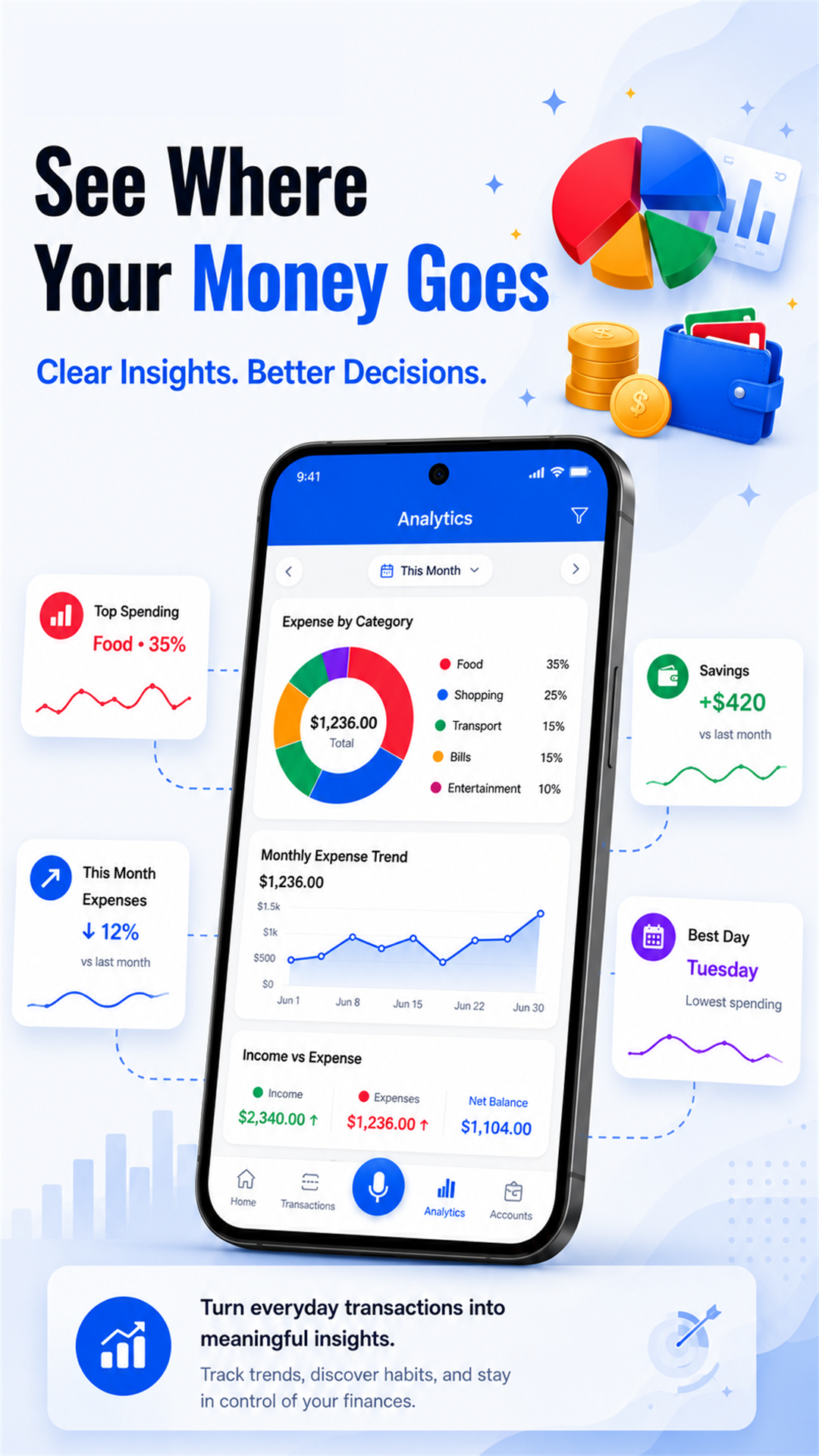
SaySpend helps you track expenses via AI voice logging, manage budgets, and achieve financial goals. With intuitive charts, expense categorization, and savings goals, manage your money like a pro.
What Features Are Included?
- AI Voice-to-Transaction Logging
- No Login, No Personal Info Required
- Local, On-Device Data Storage
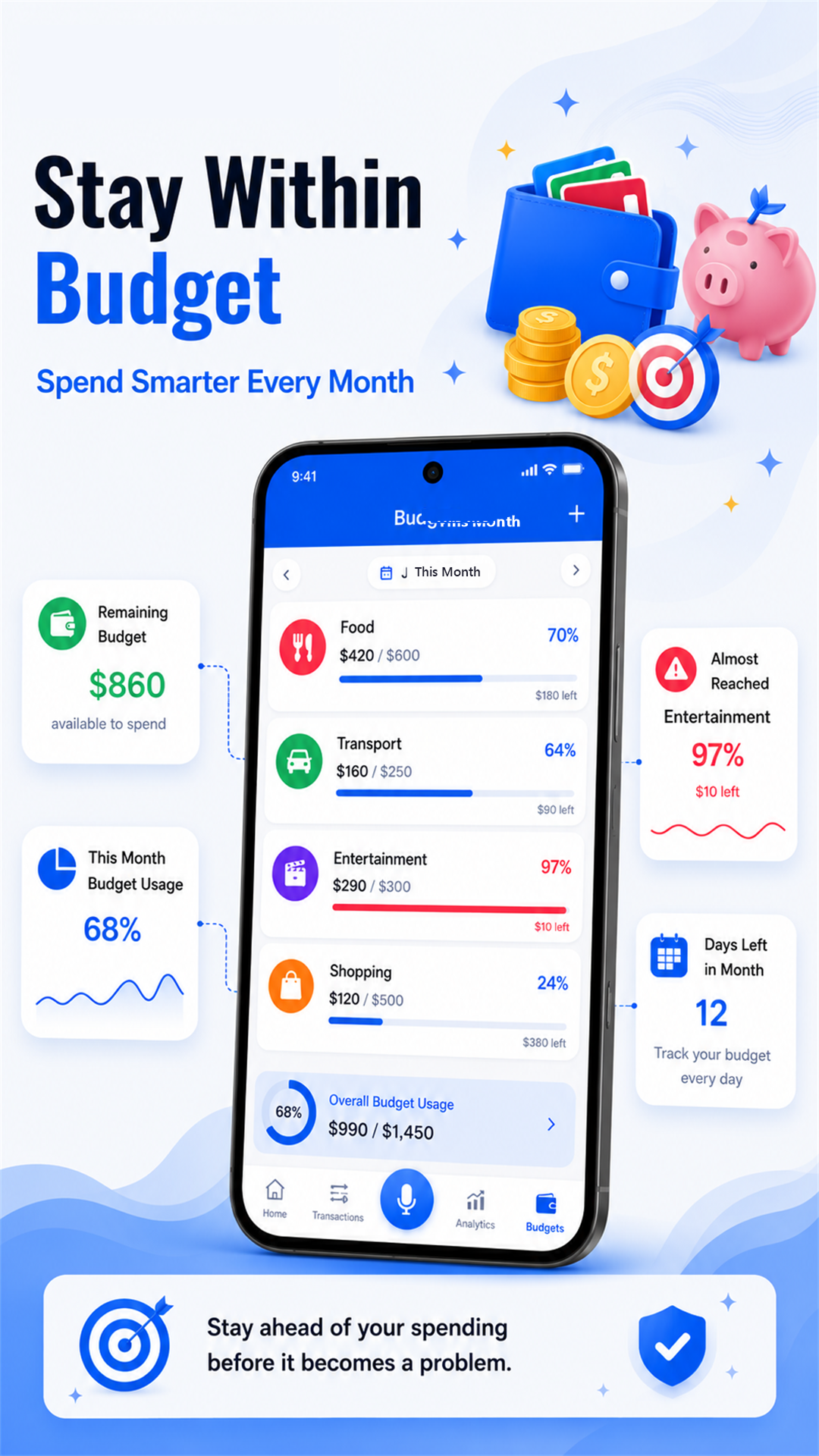
- Category-Based Budgets
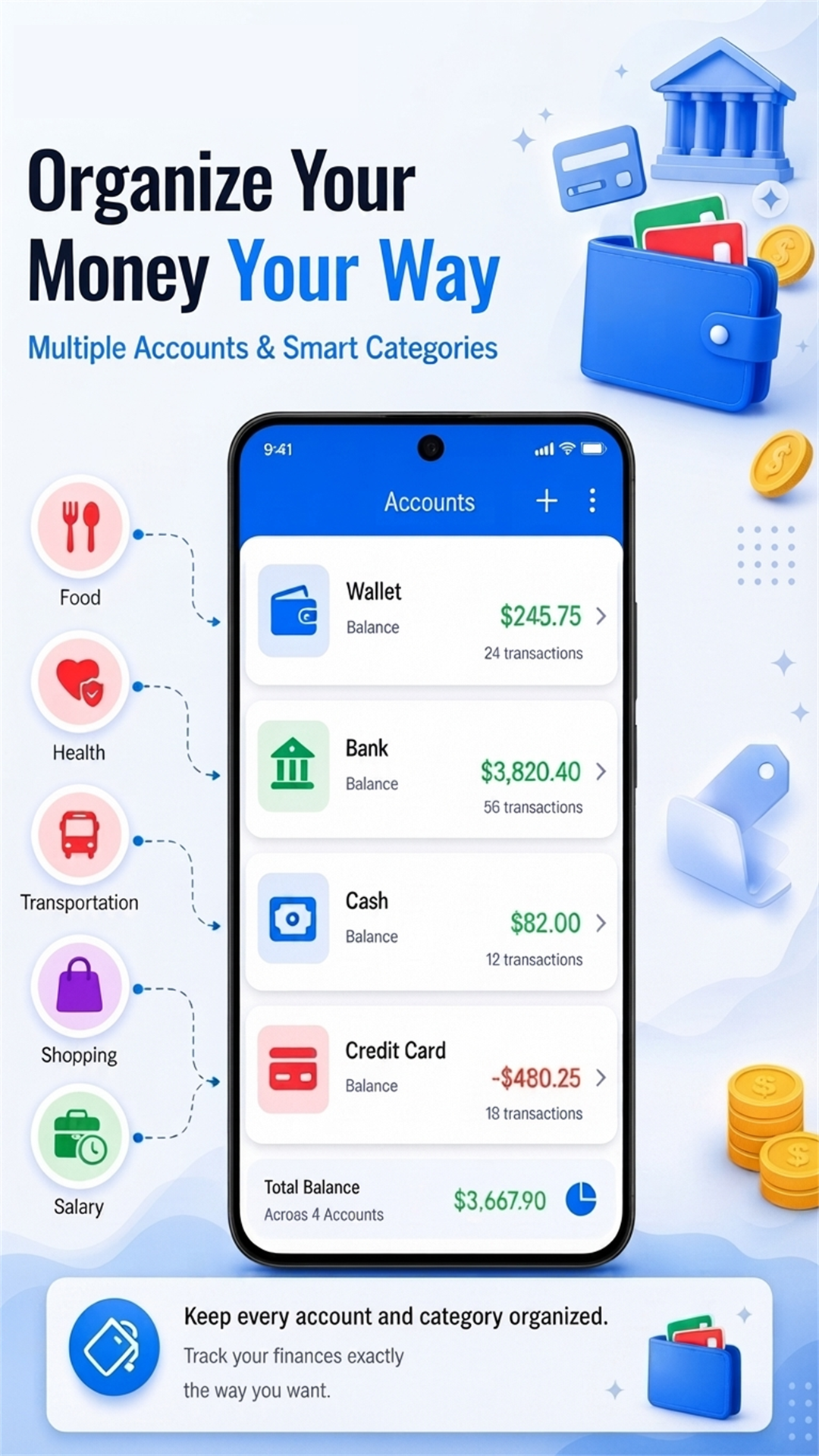
- Multiple Accounts
- Visual Analytics & Spending Insights
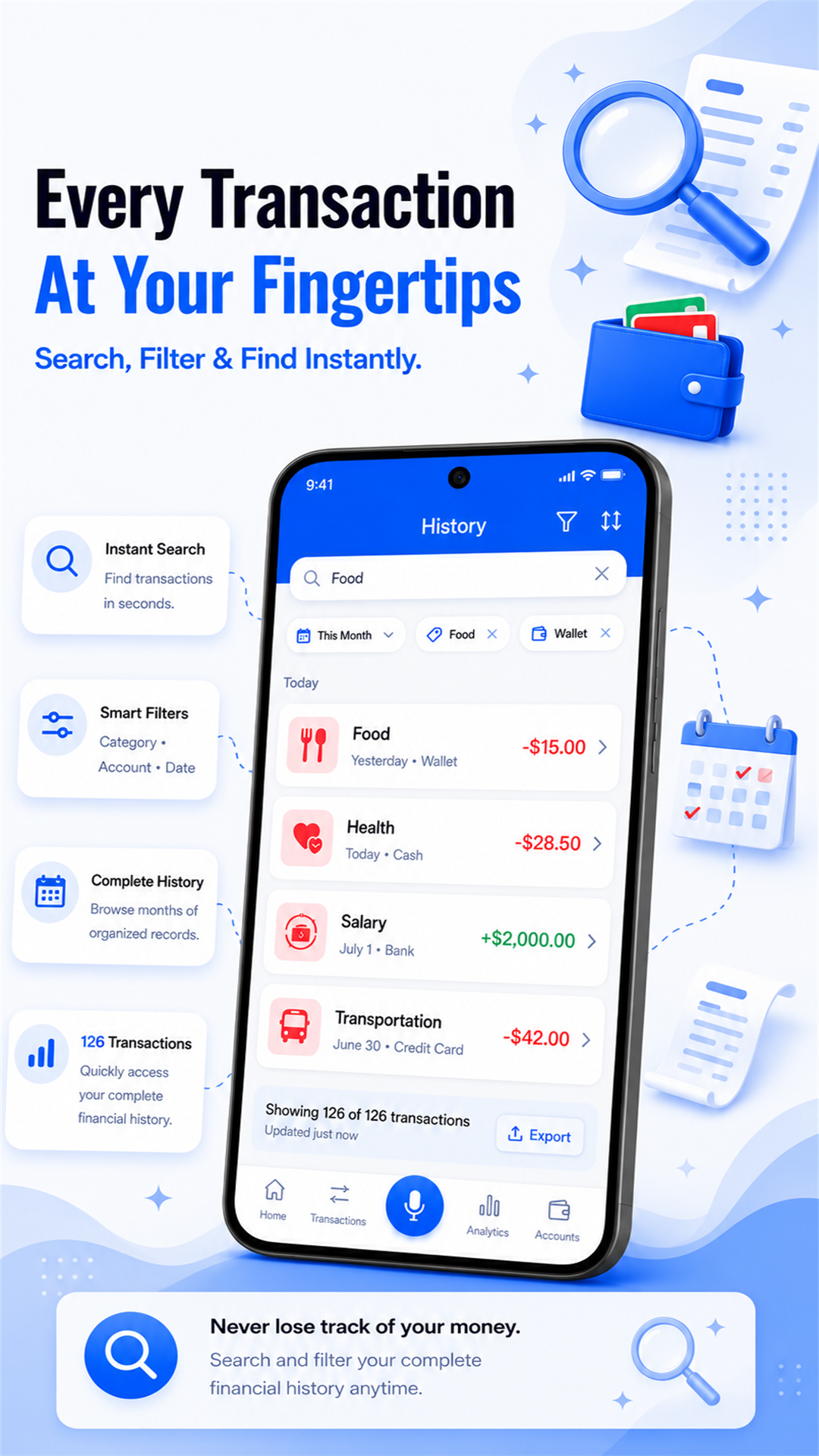
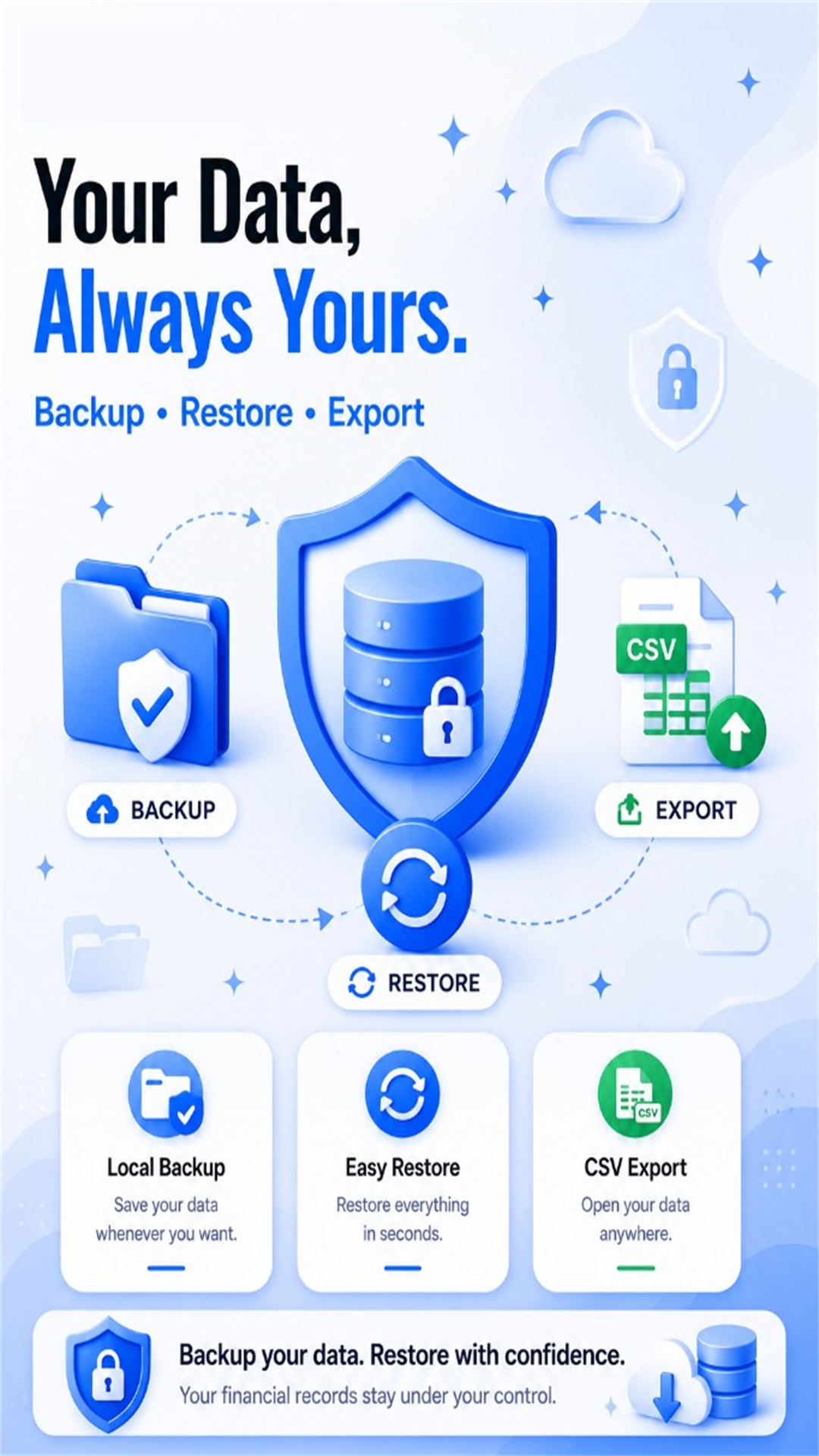
- Backup, Restore & CSV Export
- Custom Categories with Icons
Frequently Asked Questions
Do I need to sign up or connect a bank account to use SaySpend?
No. SaySpend doesn't require an account with your name, email, or phone number, and it never connects to a bank account. You can open the app and start tracking right away.
How does voice expense logging work?
Tap the mic and say what you spent, like "coffee five dollars from my wallet." AI extracts the amount, category, account, date, and note, then pre-fills the entry for you to review.
Does SaySpend save my transactions automatically after I speak them?
No. After AI processes your voice input, the entry opens for you to review and edit. Nothing is saved until you confirm it.
Where is my financial data stored?
Your transactions, accounts, categories, and budgets are stored locally in the app's private storage on your device, not on SaySpend's servers.
Is the voice feature free to use?
Yes, with a daily limit on the free plan. The app shows how many free voice adds you have left and when the limit resets.
Can I back up or export my data?
Yes. You can create a local backup on your device and restore it anytime, and export all transactions to a CSV file to save wherever you choose.
What permissions does SaySpend need?
SaySpend needs internet access for voice AI processing and microphone access, which is only requested when you use the voice feature. No other sensitive permissions are required.
Does SaySpend read my SMS, bank messages, or scan receipts?
No. SaySpend doesn't read SMS, bank messages, or emails, and it doesn't scan receipts or photos. It also doesn't access your contacts, location, or calendar.
Can I set budgets and track spending limits per category?
Yes. You can set a spending limit for each category and see what you've spent, what's remaining, and your progress toward the limit, by day, week, month, or year.
Can I organize spending across multiple accounts and custom categories?
Yes. You can create multiple accounts like cash, card, or savings, and add your own custom categories with icons, so the app matches how you actually manage money.
Does SaySpend work without an internet connection?
Manual transactions, budgets, and your saved data all work offline since everything is stored locally. An internet connection is only needed for the voice AI feature to process what you say.
What happens to my voice recording after I use the mic feature?
Your recording is sent securely over an encrypted connection to process your spoken transaction. It isn't kept as part of your permanent financial record in the app, and SaySpend doesn't store or share your voice data beyond what's needed to complete that request.
Can I delete all my data from SaySpend?
Yes. Go to Settings and select Clear Data, then confirm. This removes your transactions and custom accounts, categories, and currencies, and restores the app's default items.
Ready to try SaySpend – AI Expense Tracker & Budget Planner?
Download now from Google Play Store
Download on Google Play